RCM Automation 5 min read
RPA Solutions for Medical Billing Revenue Cycle

Key takeaways
- RPA bots reproduce defined staff steps in supported payer portals and billing systems; compatibility and access requirements must be validated.
- Strong pilot candidates are high-volume, rules-based workflows with measurable manual effort and clear exception paths.
- Measure results against your own baseline; workflow fit, payer access, exceptions, integrations and operating controls determine the outcome.
- RPA, a clearinghouse and full RCM automation are complementary, not competing.
- Start with one or two high-volume tasks, measure the baseline, then expand.
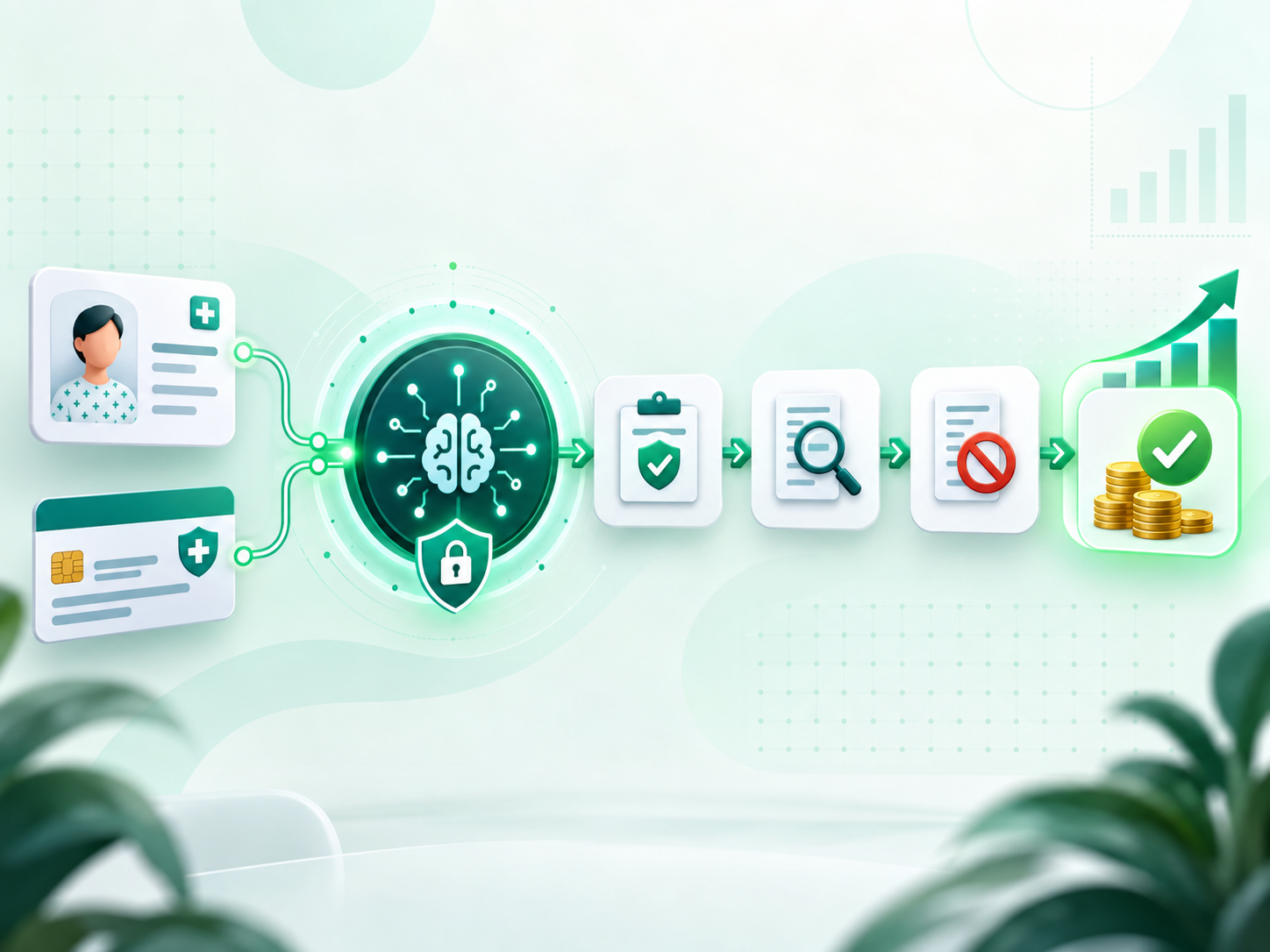
Robotic process automation (RPA) can reduce repetitive, rules-based work in medical billing when the workflow, payer access and exception handling are validated. Bots can perform defined steps such as logging into supported payer portals, checking eligibility and retrieving claim status while staff retain control of exceptions and judgment-based work. Results depend on the selected workflow, transaction volume, integrations and operating baseline.
This guide covers what RPA solutions are, common use cases across the revenue cycle, how to evaluate potential returns, and how to get started. RPA is one piece of a broader RCM automation platform; if you want the workflow-level picture, see our overview of RCM automation. If you are evaluating a scoped implementation rather than learning the basics, explore our RPA for healthcare services.
What are RPA solutions in medical billing?
RPA solutions are configurable software bots that reproduce defined clicks and keystrokes in billing systems and payer portals, with activity logging and exception handling. They are often designed to work alongside practice-management, EHR and clearinghouse systems, but compatibility, payer access, security controls and maintenance responsibilities should be validated before deployment.
Top RPA use cases across the revenue cycle
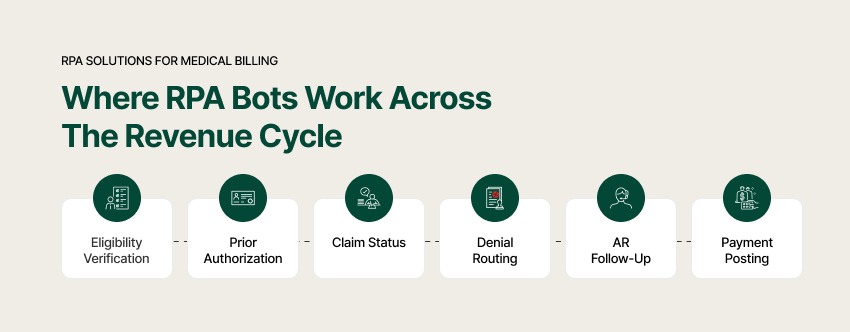
- Available from RCM Edge: Eligibility verification across 566 payer connections; see our eligibility verification process guide.
- In development at RCM Edge: Prior authorization automation for defined submission and tracking workflows.
- Available from RCM Edge: Claim Status Automation across 468 payer connections; pair it with the claim submission process.
- In development at RCM Edge: Denial-management workflows for capture, categorization and work routing.
- In development at RCM Edge: Accounts receivable automation for follow-up prioritization and work queues.
- Industry use case: Payment-posting automation may reconcile structured remittance data when the required integrations and controls are available.
A practical pilot starts with a high-volume workflow whose baseline can be measured. For RCM Edge, Eligibility Verification and Claim Status Automation are available today; Prior Authorization, Denial Management and Accounts Receivable modules remain in development.
The ROI of RPA in medical billing
Build the business case from your own baseline rather than a universal savings percentage. Measure staff minutes per transaction, workflow volume, exception rate, turnaround time, rework and recurring platform cost. Run a defined pilot, compare like-for-like results, and include implementation, monitoring and maintenance effort when calculating cost-to-collect impact.
RPA vs. a clearinghouse vs. full RCM automation
These technologies can be complementary. A clearinghouse exchanges supported transactions between providers and payers. RPA can automate defined work around a claim, while a broader RCM platform may add rules, workflow management and analytics. Evaluate each option against the exact transaction, payer, integration, audit and exception-handling requirements.
How to get started with RPA
- Pick one or two high-volume, rules-based tasks (eligibility, claim status).
- Measure the baseline — hours spent, error rate, turnaround.
- Agree on a pilot period and sample size, then measure the change against the documented baseline.
- Expand only after the pilot meets agreed controls and outcome thresholds and the required module is available.
Choose a platform only after validating PM/EHR compatibility, supported payer access, security controls, auditability and exception ownership. RCM Edge currently offers Eligibility Verification and Claim Status Automation; Prior Authorization, Denial Management and Accounts Receivable modules are in development.
Frequently asked questions
What is RPA in medical billing?
Software bots reproduce defined, rules-based steps in billing systems and supported payer portals. Appropriate workflows can include eligibility, claim status and, where the required module and integrations exist, other revenue-cycle tasks.
What tasks can RPA automate?
Common industry use cases include eligibility verification, prior authorization, claim status checks, denial routing, AR prioritization and payment posting. RCM Edge currently offers Eligibility Verification and Claim Status Automation; the other named RCM Edge modules are in development.
What ROI can RPA deliver?
There is no responsible universal ROI percentage. Measure labor time, volume, exception rate, turnaround, rework, implementation effort and recurring cost against a defined baseline and pilot cohort.
Does RPA replace my billing system?
RPA is often designed to work alongside existing PM/EHR and clearinghouse systems, but compatibility, access method, data movement and maintenance requirements must be confirmed for your environment.
Is RPA the same as AI?
Not exactly. RPA follows rules to automate steps; AI/ML adds prediction (e.g. denial-risk scoring). Modern platforms combine both.
Where should we start?
Start with one high-volume, rules-based workflow, document the baseline and exception path, and expand only after a controlled pilot meets the agreed criteria.
Related reading
- Eligibility Verification Process in Medical Billing (Step by Step)
- Claim Submission Process in Medical Billing Explained
- Accounts Receivable in Medical Billing
- Best RCM Software: Buyer Comparison
Review the broader RCM automation framework or Book a 30-Minute Demo to assess one supported workflow.