END-TO-END RCM AUTOMATION

RCM Automation for Medical Billing—Run Your Revenue Cycle With Less Manual Work

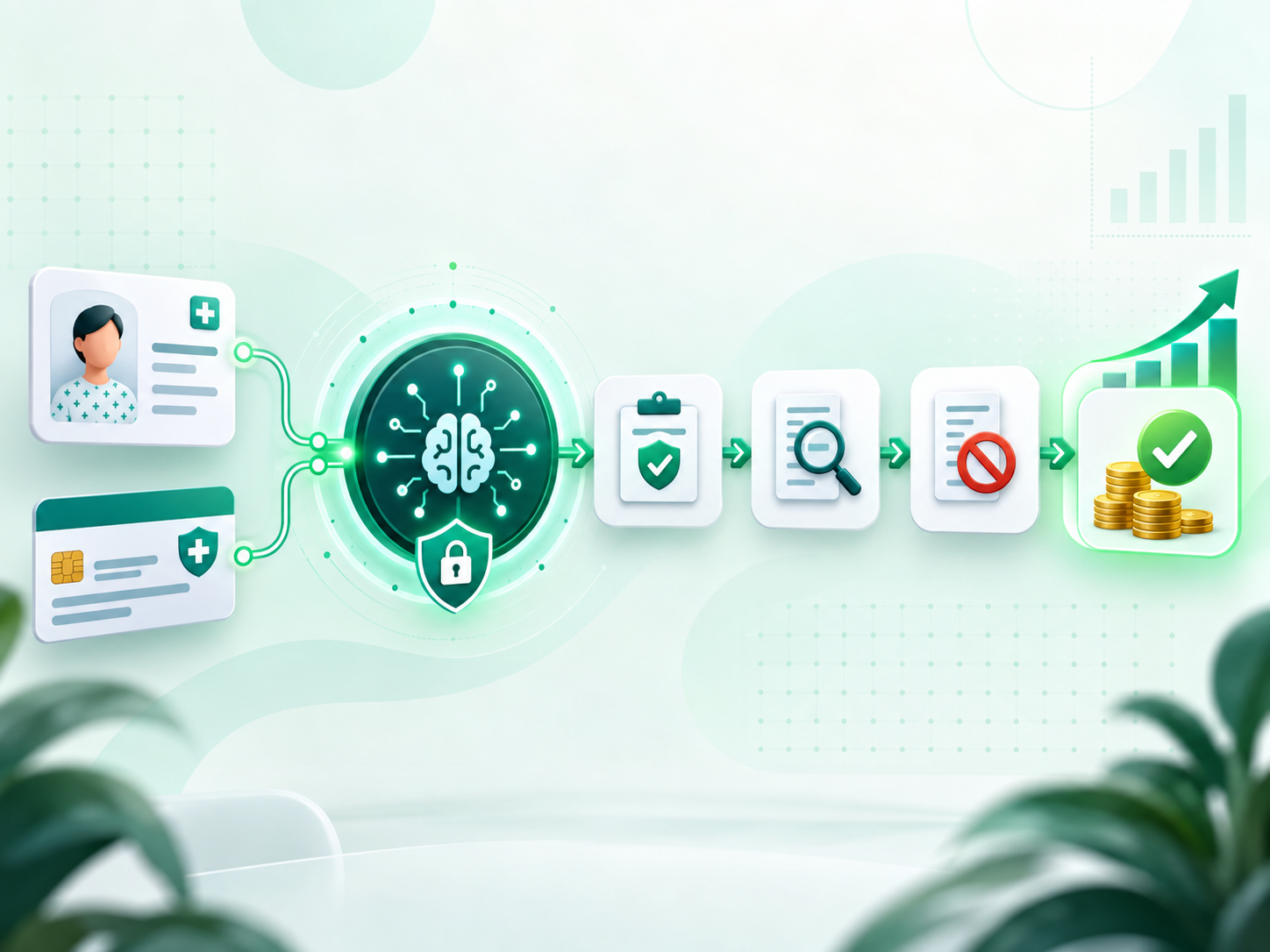
RCM Edge applies robotic process automation and rules-based workflows across eligibility, prior authorization, claim status, denials, and AR follow-up—so your team can stop repeating payer work and focus on exceptions that move revenue.

1,034 payer connections • HIPAA • SOC 2 Type II • ISO 27001

THE OPERATIONAL PROBLEM

Manual Revenue Cycle Work Does Not Scale With Claim Volume

Every additional claim can create more portal logins, status calls, data entry, follow-up, and rework. Automation separates growth from repetitive labor while preserving staff oversight.

Manual RCM Today

Staff move one claim at a time between payer portals, spreadsheets, EHR or PM systems, and work queues. Follow-up varies by person and important exceptions can remain buried.

With RCM Edge Automation

Bots execute repeatable steps continuously, normalize responses, and route exceptions into structured work queues with an audit trail for human review.

CORE CAPABILITIES

Automate Every Major Stage of the Revenue Cycle

Use one connected platform for the workflows that create the greatest administrative burden, then expand module by module.

Confirm coverage and benefits before service while reducing repetitive payer checks.

Track authorization work and reduce preventable delays before treatment or billing.

Automate 276/277 checks and move staff directly to claims that require action.

Prioritize denial work, identify patterns, and support consistent appeal workflows.

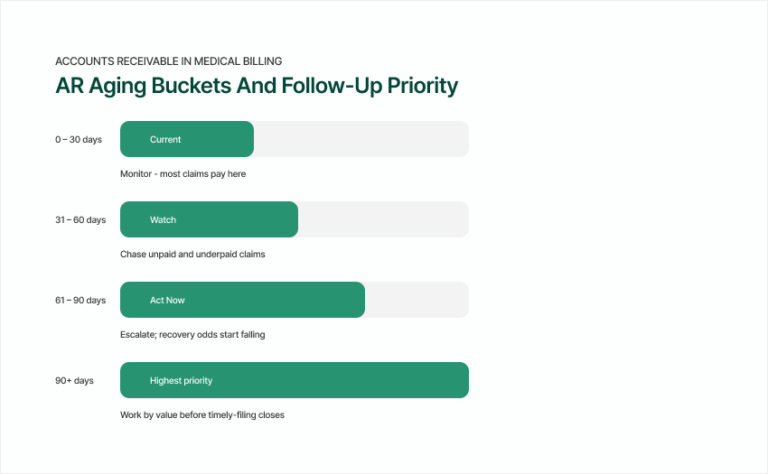
Segment aging balances and automate follow-up queues around the highest-impact accounts.

HOW IT WORKS

How RCM Automation Works Across Your Existing Stack

RCM Edge works with your current EHR, practice-management system, clearinghouse, and payer portals. Use integrations where available and RPA bots where direct connectivity does not exist.

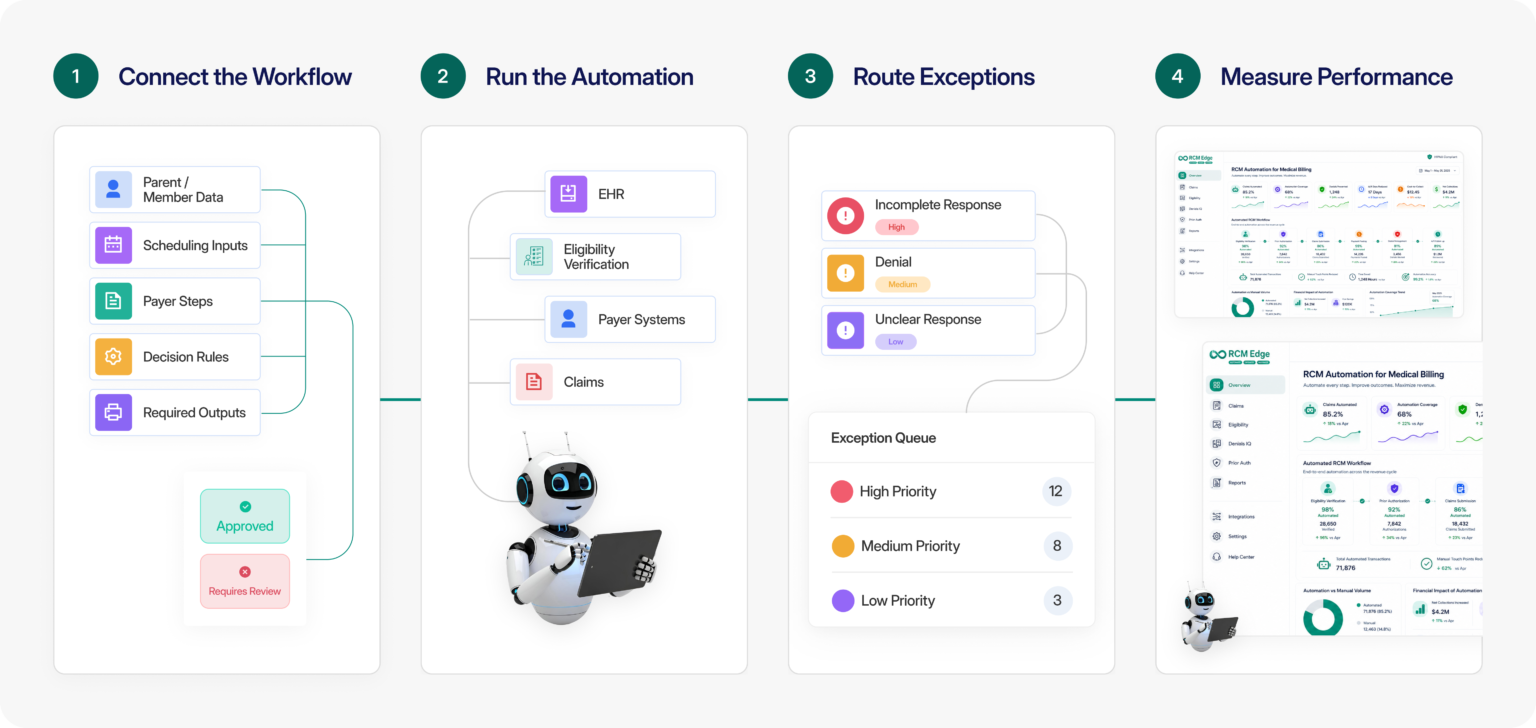
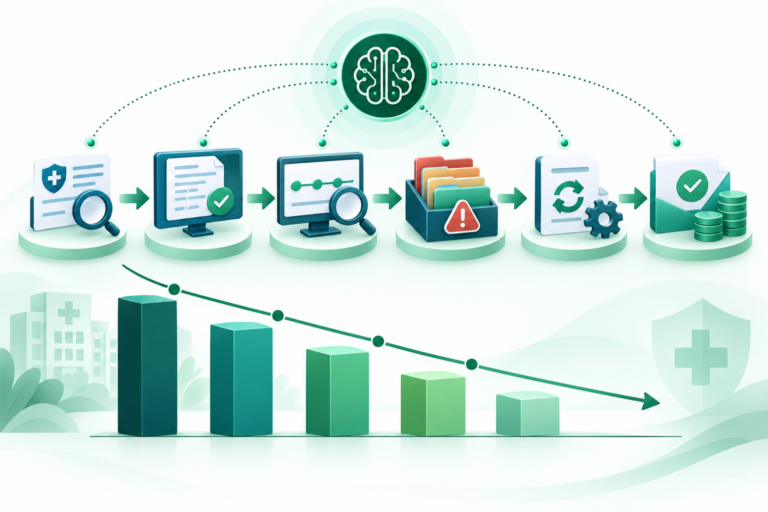
How RCM Edge automation works, step by step

01. Connect the Workflow

Map the current process, inputs, payer steps, decision rules, and required outputs.

02. Run the Automation

Bots and rules execute repeatable tasks using the systems your team already works in.

03. Route Exceptions

Incomplete responses, denials, and other exceptions enter prioritized queues for staff action.

04. Measure Performance

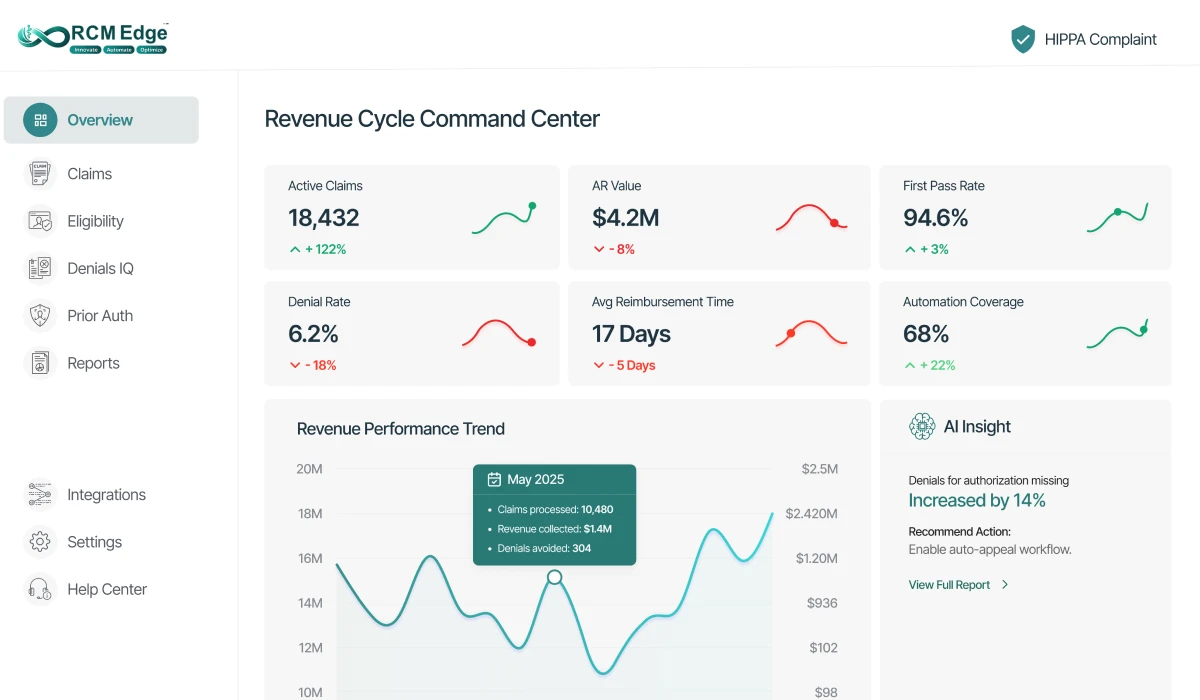
Dashboards track throughput, trends, bottlenecks, and workflow outcomes.

OPERATIONAL OUTCOMES

Scale Revenue Work Without Scaling Repetition

The objective is not to remove staff judgment. It is to remove repetitive steps so experienced teams can spend more time on complex accounts and revenue-impacting exceptions.

Less Manual Work

Reduce recurring portal, status, and data-entry tasks.

Consistent Follow-Up

Apply the same workflow logic across claims, clients, and teams.

Faster Exception Handling

Surface the accounts that require human intervention sooner.

Clearer Visibility

See where work is moving, waiting, or repeatedly failing.

BUILT FOR YOUR TEAM

RCM Automation for Every Operating Model

Standardize repeatable workflows across clients, specialties, and payer mixes.

Reduce administrative burden and give staff clearer exception-based work queues.

Create consistent processes, visibility, and governance across a larger operation.

FREQUENTLY ASKED QUESTIONS

RCM Automation Frequently Asked Questions

What is RCM automation?

RCM automation uses software, rules, integrations, and robotic process automation to execute repetitive revenue cycle tasks such as eligibility checks, prior authorization tracking, claim status, denial routing, and AR follow-up.

What is the difference between RPA and a direct integration?

Direct integrations exchange data system to system. RPA bots can work through the screens and portals staff already use, making it possible to automate payer work even when an API or native integration is unavailable.

Do we have to replace our EHR or practice-management system?

No. RCM Edge is designed to automate on top of the existing revenue cycle stack and connect with current EHR, PM, clearinghouse, and payer workflows.

Can we start with one RCM workflow?

Yes. Teams can begin with a priority workflow such as eligibility, claim status, denials, or AR and expand after the initial process is stable.

SEE THE WORKFLOW ON YOUR DATA

See RCM Automation Run on Your Workflow

Bring your current process, payer mix, and highest-volume manual queue. We will map the best starting point and show how the automation works.